> ## Documentation Index
> Fetch the complete documentation index at: https://docs.testdino.com/llms.txt
> Use this file to discover all available pages before exploring further.
# TestDino MCP Server
> Connect AI assistants to TestDino for querying test results and debugging failures via local CLI or remote URL.
export const VideoSchema = ({name, description, thumbnailUrl, uploadDate, duration, contentUrl, embedUrl}) => {
const schema = {
"@context": "https://schema.org",
"@type": "VideoObject",
name,
description,
thumbnailUrl,
uploadDate,
...duration ? {
duration
} : {},
...contentUrl ? {
contentUrl
} : {},
...embedUrl ? {
embedUrl
} : {},
publisher: {
"@type": "Organization",
name: "TestDino",
logo: {
"@type": "ImageObject",
url: "https://docs.testdino.com/logo/light.svg"
}
}
};
return ;
};
Connect an AI assistant to your TestDino workspace. Query test runs, artifacts, and manual test cases in natural language.
## Pick a connection method
| Path | Best for | Auth |
| :------------------------------- | :---------------------------------- | :--------------------- |
| [Local MCP Server](/mcp/local) | Claude Code, Cursor, Claude Desktop | PAT in client config |
| [Remote MCP Server](/mcp/remote) | ChatGPT, Claude on the web | OAuth through TestDino |
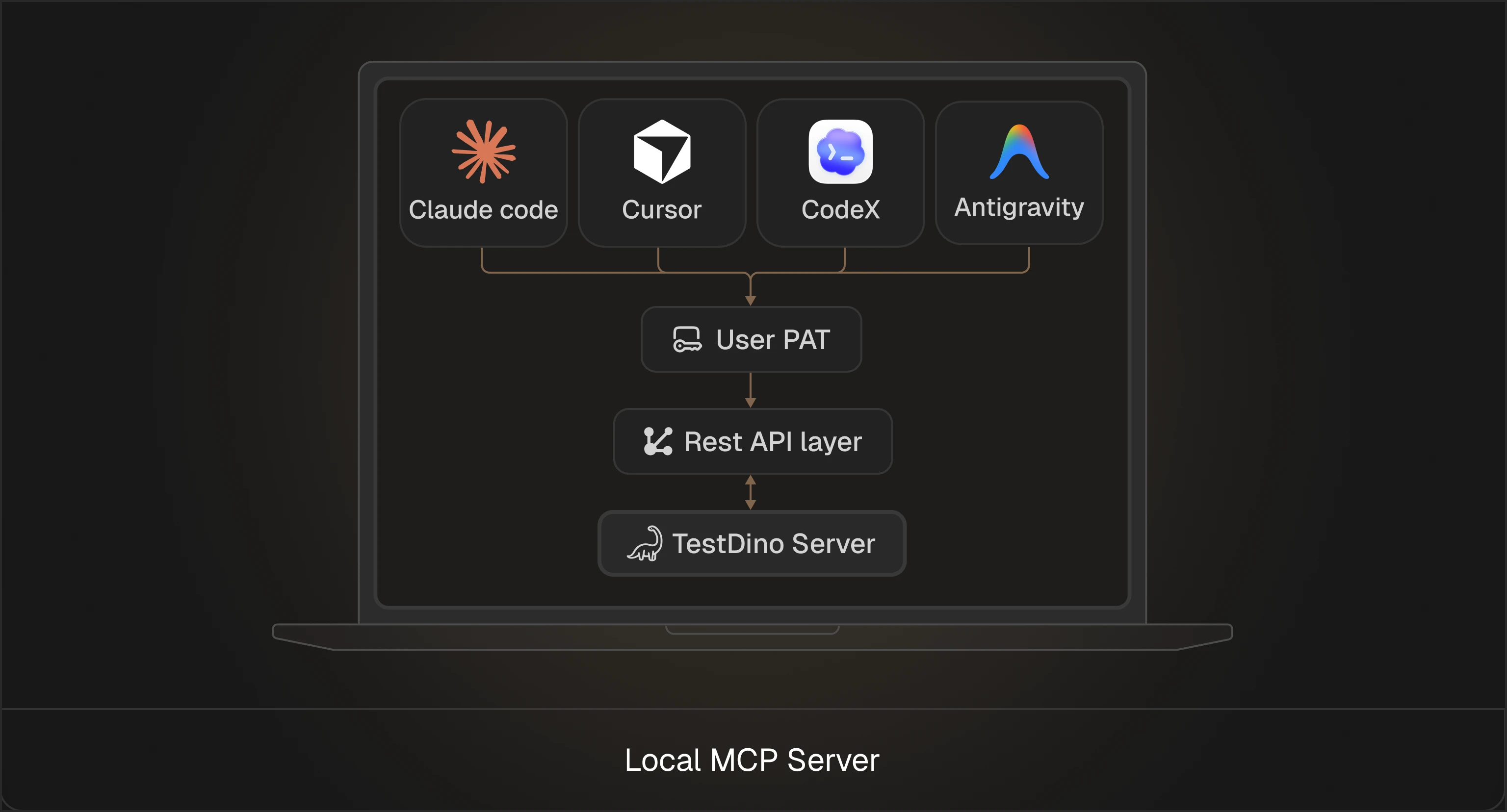
### Local MCP Server
Install on your machine, add a Personal Access Token, and connect.
[Set up the Local MCP Server ](/mcp/local)
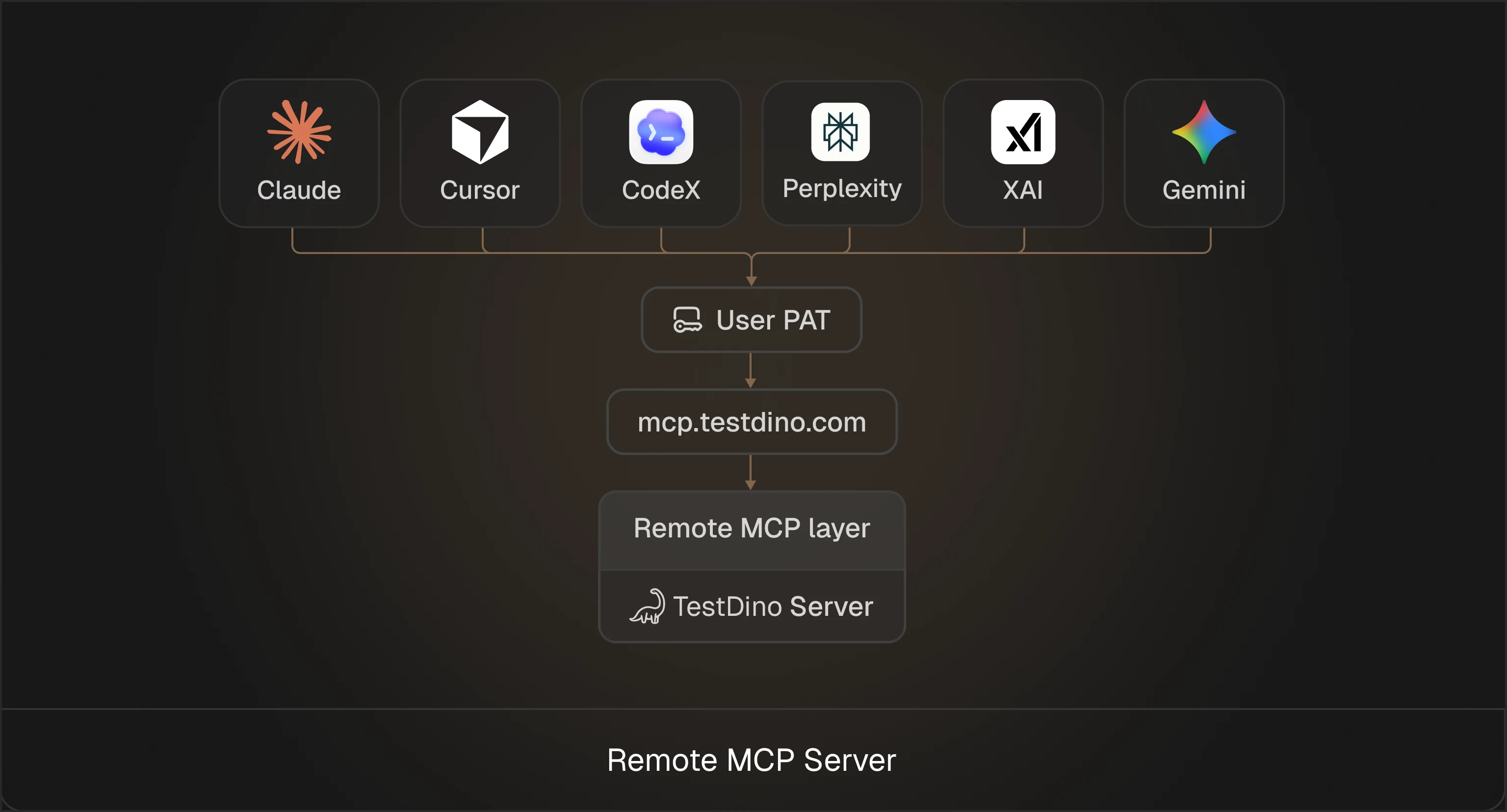
### Remote MCP Server
No local install. Authorize over OAuth.
[Set up the Remote MCP Server ](/mcp/remote)
For Slack, Telegram, Discord, or WhatsApp, use [OpenClaw](/integrations/communication/openclaw). It wraps the Local MCP server as a chat bot.
## Example prompts
| Prompt | What it does |
| :------------------------------------------------------------- | :----------------------------------------- |
| *Show me all failed tests from the last run* | Filters test cases by failure status |
| *Which are the most flaky test cases from the recent 10 runs?* | Ranks tests by flaky rate |
| *Debug the test case "visual.spec.js" on development* | Root cause analysis with fix suggestions |
| *List all critical priority test cases in the checkout suite* | Filters manual cases by priority and suite |
| *Create a smoke test run for the v2.1 release* | Creates a manual run scoped to a release |
Full tool list and parameters: [Tools Reference](/mcp/tools-reference).
Install for Claude Code, Cursor, or Claude Desktop
Connect ChatGPT or Claude on the web
Parameters and examples for every tool
Connection and auth errors
 [Set up the Local MCP Server
  [Set up the Remote MCP Server