

testdino-mcp and authenticates with a Personal Access Token.
Using Claude on the web or ChatGPT? Skip the install and use Remote MCP Server.
Prerequisites
- Sign in to TestDino
- Node.js installed (
npxavailable) - An MCP client: Claude Code, Cursor, or Claude Desktop
Create a Personal Access Token
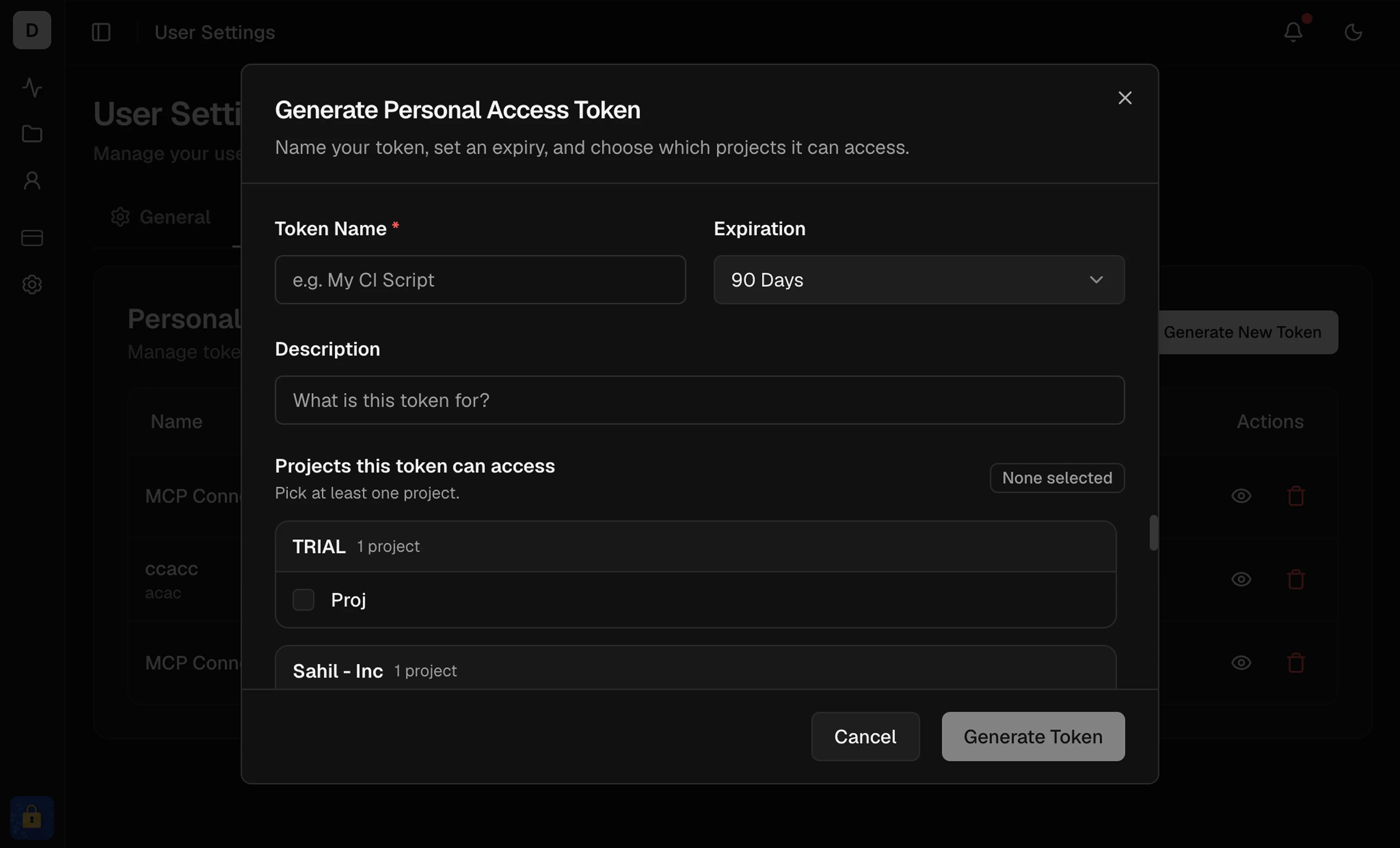
The server reads the token fromTESTDINO_PAT. Create a PAT under User Settings → Personal Access Tokens, grant at least one project, and copy it once. Steps and screenshots: Generate API Keys → Personal Access Token.
Choose an install method
Set up with an AI agent
Install and validate the TestDino MCP server.
health.
Manual setup
1
Install the MCP server
npm install -g @testdino/mcp.2
Configure your MCP client
- Claude Code
- Cursor
- Claude Desktop
claude mcp list. You should see testdino connected.3
Validate the connection
Ask your assistant to run
health and confirm it lists your organizations and projects. A successful response includes account, orgs, and projectId values. Most query tools need a projectId.If health fails, see Troubleshooting.Tools Reference
Parameters and examples for every tool
Troubleshooting
Connection and auth errors
OpenClaw
Wrap the local server as a chat bot
Remote MCP Server
Hosted MCP for ChatGPT and Claude on the web